Turn the moments you already have into a story worth holding.
StoryVault transforms scattered photos, videos, and messages into premium memory books, digital keepsakes, and gift-ready hardcovers without asking families to become layout experts.
Gather once
Photos, videos, notes, and messages in one protected flow.
Shape quickly
AI drafts the first version so families refine instead of start blank.
StoryVault
Family project preview
Draft chapter
Good morning, Sarah.
Let's build your next memory book from the moments you already captured.
Upload photos & videos
Drag, drop, or select the family moments that matter. StoryVault sorts the first pass for you.
128
Memories imported
24
Pages drafted
Output examples
Family-led previews of the moments StoryVault is made to preserve, not just the formats it can output.

Parents & kids
Everyday rituals and milestone mornings.
Grandparents
Quiet scenes that hold family history.
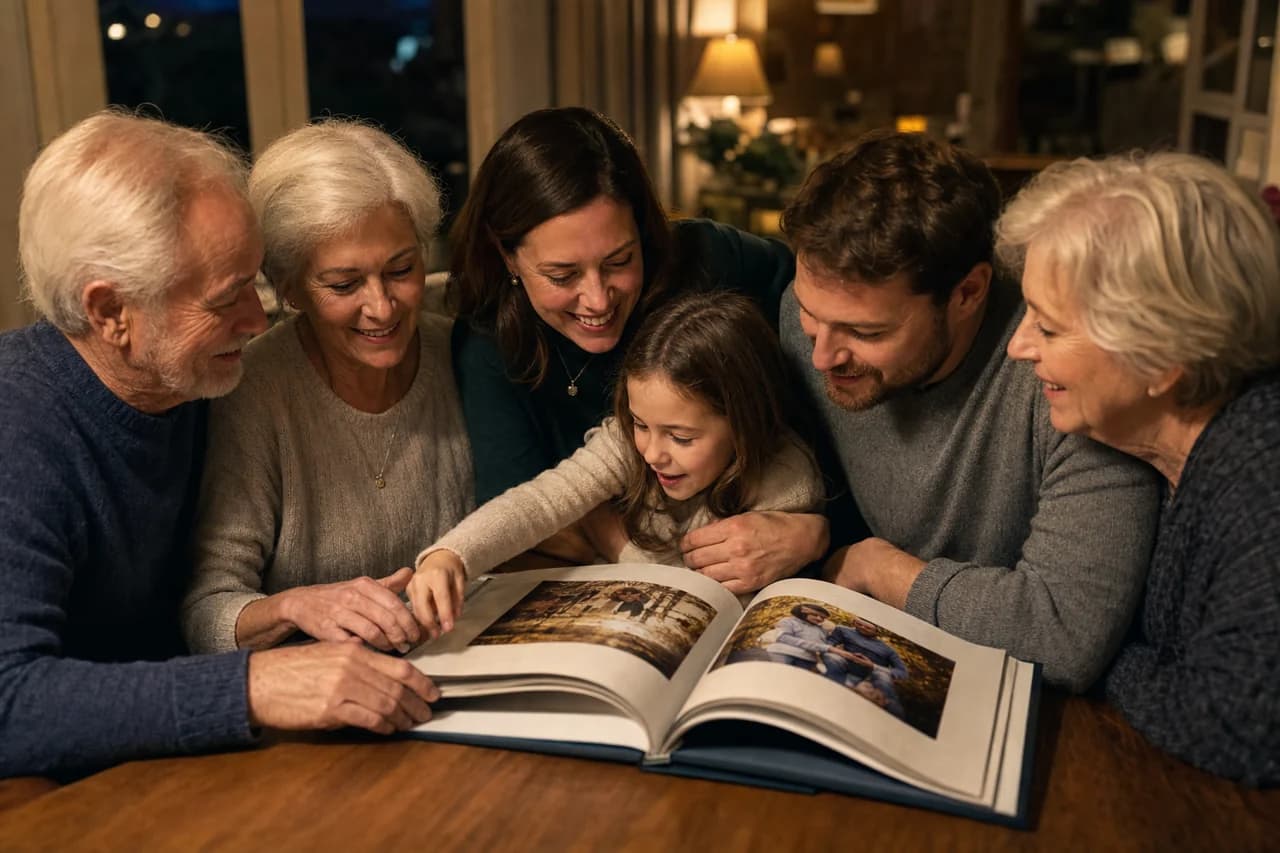
Keepsake moment
The book opened together around a table.
Creation status
73%AI is writing your story now.
StoryVault keeps the speed of modern software without losing the warmth families expect from a keepsake brand.
Clear promise
AI writes. You remember. StoryVault preserves.
01
Bring photos, videos, voice notes, and message fragments into one protected Family Vault.
02
Let AI draft the first story arc, captions, and timeline before you start refining.
Choose your format
Start with the version your family needs now.
Every format begins with the same real moments. Pick the way you want to keep them.
Secure checkout opens directly with MadeThis. You can create an account after choosing a format.
Visual world
Techy, premium, and still warm enough for family stories.
StoryVault should feel precise on screen and emotional in the imagery. The visual system balances dark slate surfaces with real family warmth so the product reads as a keepsake, not just another upload tool.
For milestone seasons
Baby years, weddings, anniversaries, memorials, pet stories, and graduations all need different emotional pacing. StoryVault keeps each format polished instead of formulaic.
Protected by default
The vault metaphor matters. Families are trusting StoryVault with private moments, so the interface should feel secure, calm, and intentional from the first screen.

Imagery direction
Family moments first, premium object language second.
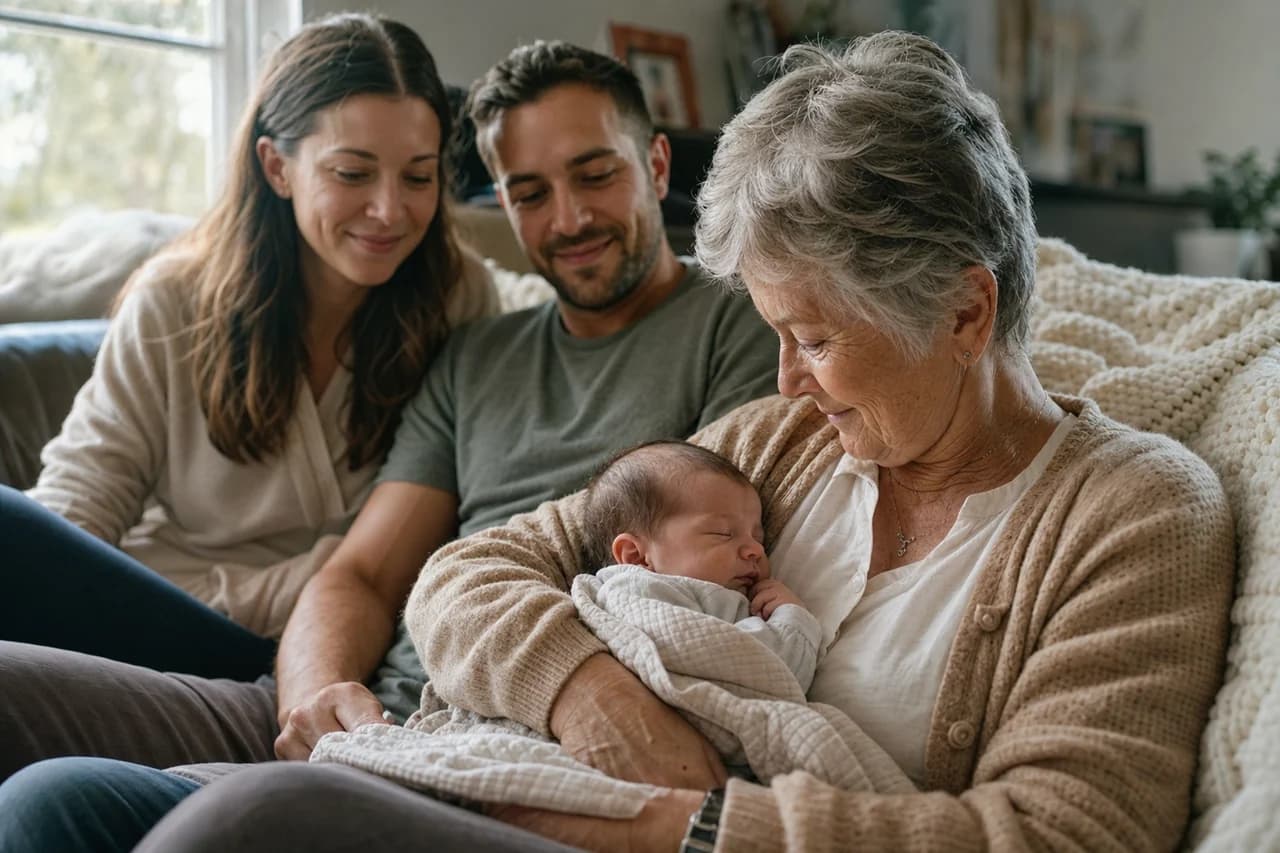
StoryVault feels strongest when visitors see real closeness right away: parents and kids, grandparents, milestone dinners, and stories that already feel worth keeping.
Grandparents & newborns

Pet stories count too
Keepsakes shared around the table
Example outcomes
Preview the kind of keepsake StoryVault is built to produce.
These are illustrative previews, not customer books. They now lean on family-led scenes so a visitor understands the emotional outcome before thinking about the product format.
Mila turns one
The weekend the whole family stayed.

Timeline
Arrival day
A dog who stayed close
Candles after dinner
Milestone memory spread
Lead with milestone imagery that feels immediately human: a first birthday, a newborn visit, or the kind of family weekend worth preserving.
StoryVault
Our story
2020 - 2026
Family-led cover
Real family moments sit on the cover and throughout the book, so the premium finish still feels lived-in.
Gift ready
Hands-on table scenes help the hardcover read like a keepsake someone will open together, not just display.
Hardcover keepsake
Keep the premium product read, but anchor it in real family photographs and hands-on table moments instead of a product-only mockup.
Story timeline
First year, in sequence.
Arrival day
Three generations together
Pancakes on Saturday
Timeline story page
Show how everyday rituals, newborn arrivals, and multigenerational gatherings become one readable chronology families can revisit.
Family layout page
Parents, grandparents, newborns, and pets all belong in the same story system.
The previews now lean on real family scenes, so visitors understand the emotional range immediately instead of reading them as generic product mockups.
Family story layout
Balance parents with kids, grandparents, and pet memories so the visual range feels specific to family life, not generic lifestyle stock.
Workflow
Built like a creative system, not a blank template.
StoryVault reduces the work in the right order: import first, draft second, refine third, deliver anywhere.
Bring in the raw moments.
Camera rolls, short clips, messages, and milestone notes become one chronological Family Vault instead of a scattered archive.
You are not arranging pages manually. StoryVault handles the first pass of order and structure.
AI writes the story draft.
Narrative copy, captions, and chapter flow are generated automatically so the keepsake feels finished early.
You review, refine, and approve what matters.
Choose the final format.
Start digital, print hardcover when the moment deserves it, or add a narrated montage for sharing.
One project can feed multiple output formats.
FAQ
Questions families ask before they start
Emotional products need clarity. The answers stay direct.
Start now
Make the book your family keeps forever.
Stop leaving the best years of your life buried in a camera roll. Start a StoryVault project and turn real moments into something readable, beautiful, and worth sharing.